


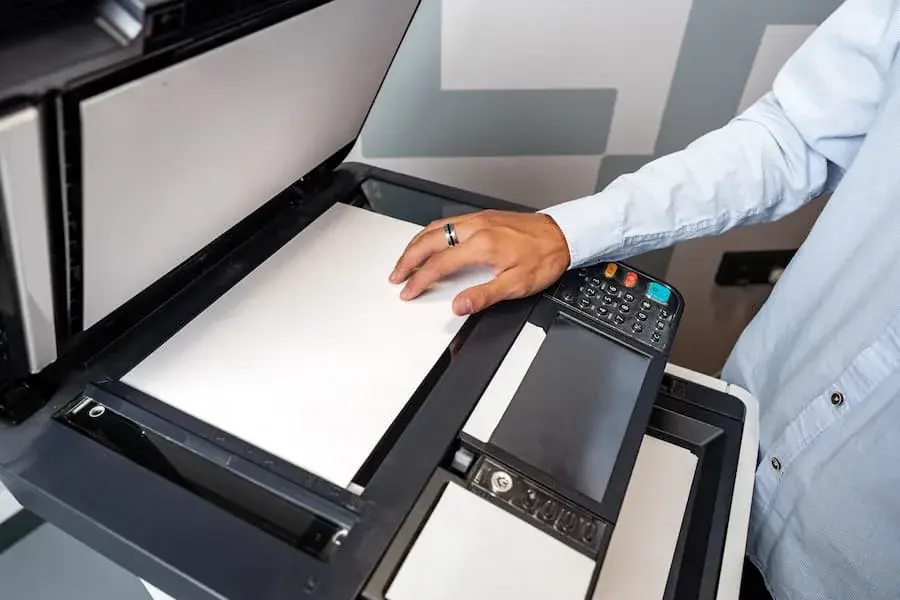
In today’s digital world, scanners and printers remain vital tools for both personal and professional use. Whether you work in an office, study at home, or manage a business, these devices help bridge the gap between physical and digital information. Scanners convert physical documents and images into digital files, while printers transform digital content into tangible materials. Together, they enhance productivity, document management, and communication efficiency.
What Is a Scanner?
A scanner is an electronic device that captures images or text from physical documents, photographs, or objects and converts them into digital formats such as JPEG, PDF, or TIFF. Scanners use sensors and light to read the details of a document, storing them on a computer or cloud system.
There are several types of scanners, each designed for specific needs:
- Flatbed Scanners: The most common type, featuring a glass surface where documents are placed. Ideal for books, photos, and fragile items.
- Sheet-fed Scanners: Designed for scanning multiple pages automatically, making them perfect for office use.
- Handheld Scanners: Portable and suitable for scanning receipts or small documents on the go.
- 3D Scanners: Capture the shape and dimensions of physical objects to create digital 3D models used in design, manufacturing, and medical industries.
Key Benefits of Scanners
- Digital Archiving: Scanners allow users to preserve important paper documents by converting them into digital files that are easy to store and retrieve.
- Improved Accessibility: Once documents are scanned, they can be shared instantly via email or cloud storage, eliminating geographical barriers.
- Data Security: Digital copies reduce the risk of physical loss or damage, and files can be encrypted for extra protection.
- Environmental Impact: Scanning reduces the need for excessive printing, supporting a more eco-friendly and paperless environment.
- Text Recognition (OCR): Many scanners now come with Optical Character Recognition (OCR) technology that converts scanned text into editable and searchable digital documents.
What Is a Printer?
A printer is a device that takes digital files from a computer or smartphone and produces a hard copy on paper or other printable materials. Printers are available in various types, catering to different needs—from simple home printing to professional graphic design and industrial production.
The main categories of printers include:
- Inkjet Printers: Use liquid ink to produce high-quality images and color documents. Best for photos and small-scale printing.
- Laser Printers: Utilize toner and laser technology for faster printing speeds and crisp text quality, making them ideal for office environments.
- All-in-One Printers (MFPs): Combine printing, scanning, copying, and faxing in a single machine—great for space-saving and efficiency.
- Thermal Printers: Often used in retail and logistics, they print receipts or labels using heat rather than ink.
- 3D Printers: Create three-dimensional objects from digital designs using materials like plastic or resin, widely used in prototyping and manufacturing.
Key Benefits of Printers
- Convenience and Speed: Having a personal or office printer saves time when physical copies are needed urgently.
- Professional Presentation: Printed materials such as reports, flyers, and marketing brochures enhance professionalism and visual appeal.
- Cost Efficiency: Modern printers offer high-yield cartridges and duplex printing, helping reduce overall printing costs.
- Wireless Connectivity: Many printers now feature Wi-Fi, Bluetooth, and mobile app compatibility, allowing printing directly from smartphones or tablets.
- Customization: Printers can handle various materials and sizes, from standard documents to stickers, banners, and packaging designs.
How Scanners and Printers Work Together
Scanners and printers complement each other in both home and business environments. Many modern multifunction printers (MFPs) integrate scanning and printing features, streamlining document workflows. For example, a user can scan a signed document and print multiple copies immediately or store it digitally for later use.
Businesses especially benefit from this combination by:
- Digitizing paperwork to reduce clutter.
- Maintaining both digital and printed archives for compliance.
- Sharing and reproducing documents instantly during meetings or collaborations.
Choosing the Right Scanner and Printer
When selecting a scanner or printer, consider the following factors:
- Purpose: Identify whether you need it for office tasks, home use, or professional production.
- Resolution and Quality: For photos and graphics, higher DPI (dots per inch) ensures better image clarity.
- Speed: Offices handling high document volumes should look for faster scanning and printing rates.
- Connectivity: Devices with Wi-Fi, USB, and cloud integration simplify sharing and remote access.
- Maintenance and Cost: Factor in ink, toner, or maintenance costs, as they can impact long-term value.
The Future of Scanning and Printing
Technology continues to revolutionize how scanners and printers operate. Cloud integration, AI-powered image enhancement, and energy-efficient designs are shaping the next generation of devices. Wireless scanning and printing, mobile app control, and eco-friendly ink systems are becoming standard features.
Additionally, 3D printing is expanding rapidly across industries—from architecture and healthcare to fashion—allowing users to create custom, functional objects. Similarly, advanced document scanners with AI capabilities now recognize handwritten text, categorize files automatically, and integrate seamlessly with digital workflow software.
Conclusion
Scanners and printers remain indispensable tools in the modern world, bridging the physical and digital realms. Whether for business documentation, academic work, or creative projects, they provide convenience, efficiency, and reliability. As technology evolves, these devices are becoming smarter, faster, and more sustainable—continuing to play a crucial role in digital transformation. Investing in the right scanner or printer can greatly enhance productivity, security, and the overall flow of information in any environment.
Also Read-Technology That Actually Helps Healthcare Work Better

